| Support Category: Course Progress Issue |
| Specialist Notes: |
If a slide within a course becomes unclickable, sometimes navigating to the previous page and letting the slides replay fixes the issue. The SR below is tailored specifically for navigating to Section 2 of the course but can be adjusted so that users can navigate to other sections of the training.
| Standard Response: |
I believe the issue may be that the course is not recognizing that you have viewed the slide, making it unclickable. To resolve this issue, kindly navigate back to the Selection Summary slide.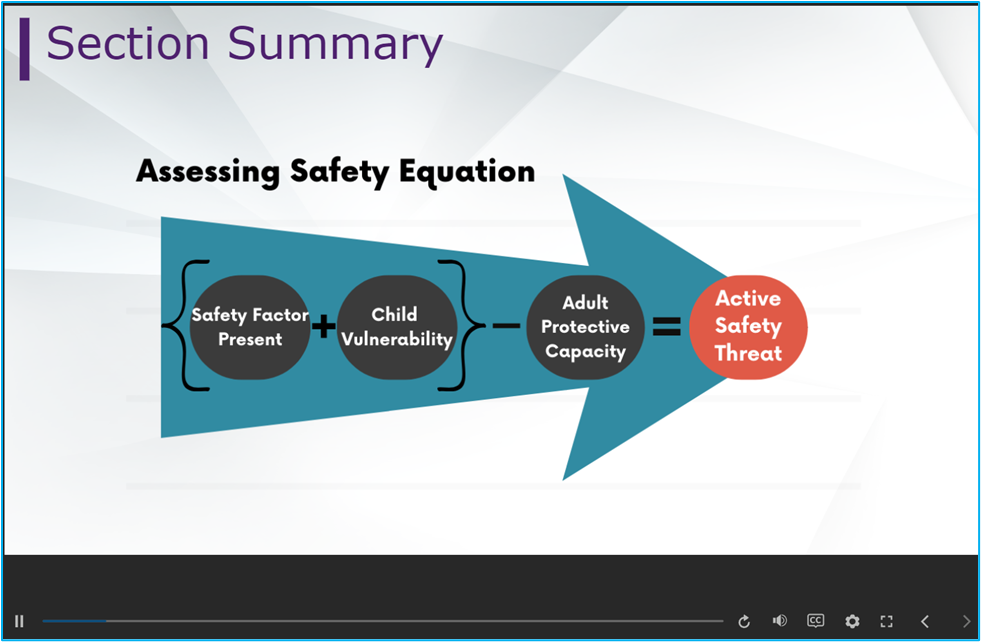
Allow this video to play out fully. The Next arrow will then become activatable. Upon clicking it, it will take you to the Main Menu slide. On this slide, find the blue video track bar at the bottom and move it to the very beginning.
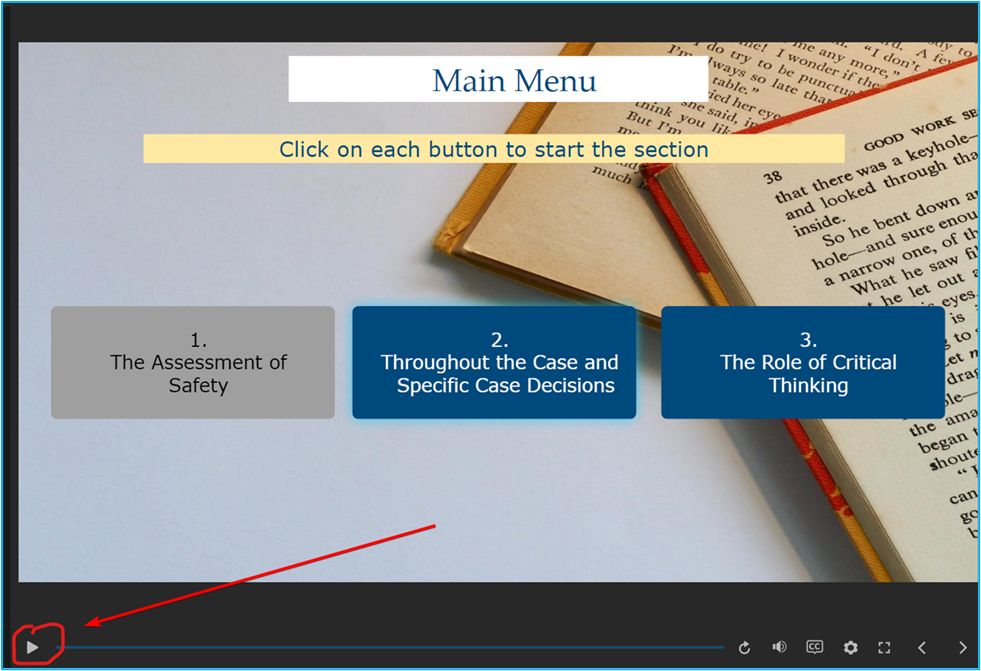
Click Play and let the video play out. After the video plays to the end, the buttons should then become clickable on the slide. Should your issue persist or you have any questions, please let us know.